
1. Gather Your Cleaning Supplies
Cleaning your TV screen effectively requires the right tools. Here’s what you need:
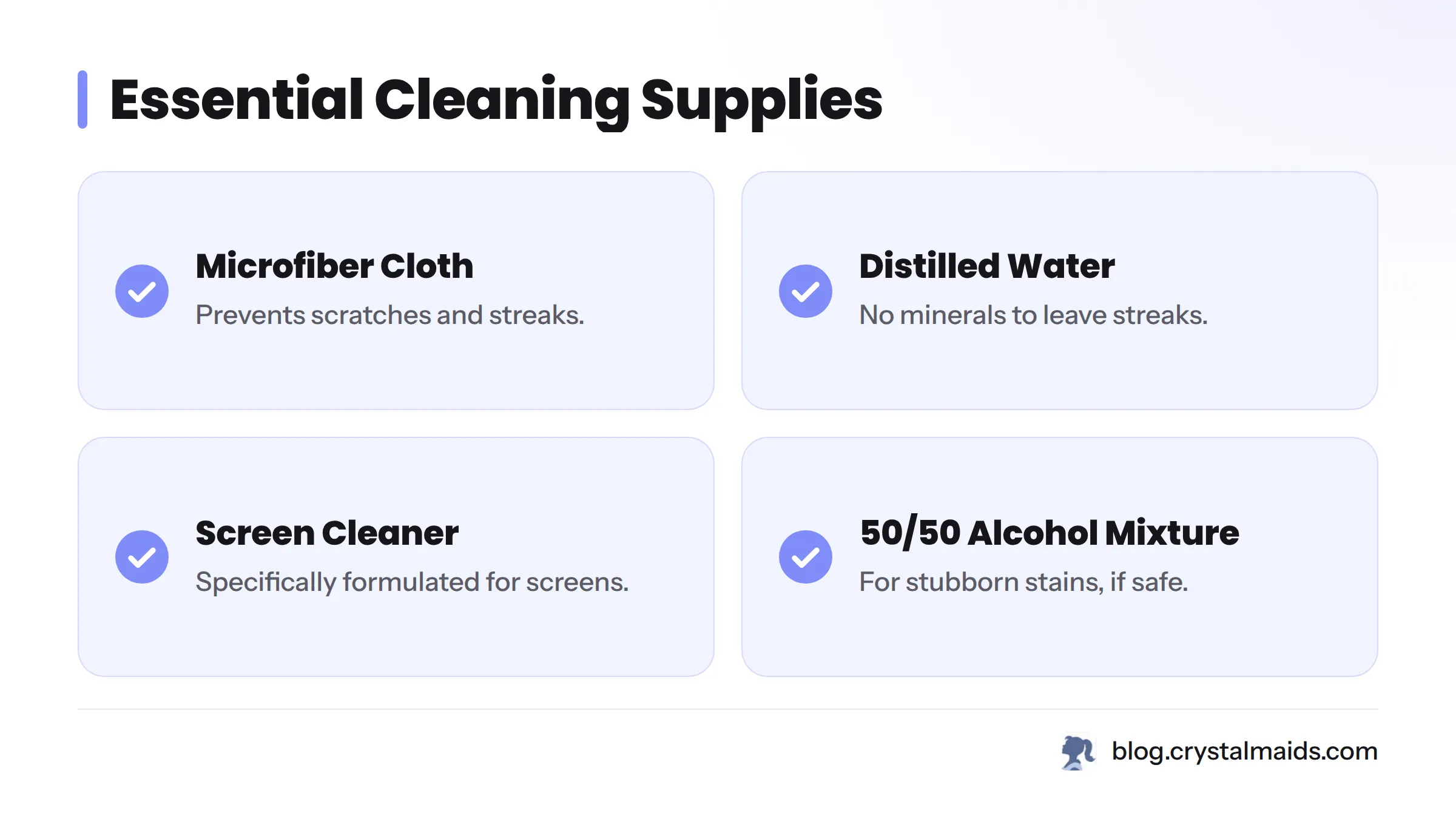
- Microfiber Cloth: Ideal for preventing scratches and achieving a streak-free finish.
- Distilled Water: Recommended for its lack of minerals that might leave streaks.
- Screen Cleaner: Use a solution specifically formulated for screens if you prefer.
- Optional: A 50/50 mixture of isopropyl alcohol and distilled water can help with stubborn stains, but always check the manufacturer’s guidelines first.
2. Turn Off and Unplug Your TV
Before starting the cleaning process, turn off and unplug the TV. This step helps protect you from electrical hazards and allows for better visibility of smudges without the screen's glow affecting your view.
3. Choose the Right Cloth
Selecting the appropriate cloth is crucial to avoid scratches on your TV screen. Microfiber cloths are the best choice; they’re soft, non-abrasive, and effective at capturing dust and grease. Avoid paper towels or rough fabrics, which can damage the surface.
4. Prepare the Cleaning Solution
If you choose to make your own cleaner:
- Mix Equal Parts: Combine equal parts of distilled water and isopropyl alcohol in a spray bottle. Always test this mixture on a small, inconspicuous area of the screen first to confirm it won’t cause damage.
- Ready-Made Screen Cleaners: You can also buy screen cleaners from retailers. Ensure the product specifically states that it’s safe for your TV type (e.g., LED, OLED).
5. Wipe the Screen Gently
Follow these steps for safe cleaning:
- Dampen the Cloth: Lightly mist the microfiber cloth with your cleaning solution - never spray directly on the screen, as moisture can seep into the edges.
- Wipe in Circular Motions: Use gentle circular motions to clean the screen, applying minimal pressure.
- Focus on Stubborn Spots: For tough stains, apply a bit more solution to the cloth and hold it against the smudge for several seconds before wiping it away.
6. Dry the Screen Properly
After cleaning, drying the screen is essential:
- Use a separate, dry microfiber cloth to remove any remaining moisture, employing gentle circular motions. This step helps prevent streaks, ensuring your screen is clear.
7. Tips for Maintaining a Clean Screen
To keep your TV screen looking its best, consider the following:
- Dust Regularly: Use a microfiber cloth frequently to eliminate dust.
- Avoid Direct Sunlight: Position your TV out of direct sunlight to minimize dust and glare.
- Keep the Surroundings Clean: Maintain a clean area around your TV to reduce the dust settling on it.
8. Common Mistakes to Avoid
Certain cleaning practices can lead to damage. Here’s what to steer clear of:
- Using Harsh Chemicals: Stay away from ammonia-based cleaners, as these can strip protective coatings from your screen.
- Using a Rough Cloth: Only microfiber cloths should be used; other materials may scratch.
- Over-Saturating the Cloth: Make sure the cloth is damp and not soaked.
Frequently Asked Questions
What is the best way to clean a very dirty flat screen TV?
Using a solution of distilled water and isopropyl alcohol, dampen a microfiber cloth and gently wipe the screen in circular motions for effective cleaning.
Is it safe to use vinegar on a TV screen?
Vinegar may be too acidic for the coatings on some screens. Stick to distilled water or a designated screen cleaner to avoid damaging the surface.
How often should I clean my TV screen?
Aim to clean your TV screen at least once a month or sooner if you notice dust or fingerprints.
What type of cloth is safe for screens?
Microfiber cloths are the ideal choice for safely cleaning screens without causing scratches.
Can I use paper towels to clean my TV?
Avoid paper towels, as they may scratch the screen. Stick with a microfiber cloth.
Why is distilled water recommended?
Distilled water is devoid of minerals that might leave streaks or deposits on your screen.
What mistakes should I avoid when cleaning a TV screen?
Avoid harsh chemicals, rough cloths, and oversaturating with cleaning solutions. Always follow your manufacturer’s cleaning guidelines for the safest methods.
How do I remove stubborn smudges from my screen?
Use a microfiber cloth lightly dampened with a mixture of distilled water and isopropyl alcohol. Hold the cloth against the smudge for a few seconds before wiping it clean.
Are anti-glare coatings safe to clean?
Yes, you can clean them as long as you use a soft microfiber cloth and steer clear of harsh chemicals that might degrade the coating.
What should I do if my TV gets wet?
Immediately turn off and unplug the TV. Wipe away any excess water and let it dry completely before turning it back on.
Is it necessary to turn off the TV before cleaning?
Yes, always turn off and unplug your TV for your safety and the device's protection.
How can I keep my screen dust-free longer?
Position your TV away from windows and regularly clean the surrounding areas to minimize dust accumulation.
Can I use cleaning products meant for glass on my TV?
No, glass cleaners often contain harsh chemicals that could damage your screen. Opt for recommended screen cleaning solutions instead.
Why shouldn't I use a rough cloth?
Rough materials can scratch the surface of your TV, potentially causing irreversible damage.
How do I avoid streaks when cleaning?
Always use a microfiber cloth, apply the cleaner to the cloth instead of the screen, and wipe in circular motions to reduce streaking.
Should I spray the cleaner directly on the screen?
No, always spray the cloth first to prevent liquid from seeping into the TV’s components.
What is better: microfiber or regular cloth?
Microfiber cloths are more effective, as they lift dust and grease without scratching surfaces.
Can cleaning damage my TV screen?
Yes, if done wrongly. Always use the recommended cleaning methods to avoid harm.
Should I dry the screen after cleaning?
Yes, drying prevents any moisture that could damage the screen from staying behind.
What maintenance tips help maintain clean screens?
Regular dusting with a microfiber cloth and careful placement away from direct sunlight can significantly help keep your screen clean.
Proper maintenance can extend your TV’s lifespan and enhance your viewing experience. For additional cleaning insights, check out our 10 House Cleaning Tips for Busy Families or visit Crystal Maids.
Status: Discover how easy cleaning can be with these video guides:
How to Clean a Flat Screen TV Without Damaging It | Plasma, LED or LCD
Sources
- Consumer Reports on Electronics Maintenance
- Cleaning Guidelines from Manufacturers
- Manufacturer’s Care Instructions
- Investopedia - Importance of Maintenance
- How to Clean Cast Iron Without Ruining Seasoning
- Health Benefits of a Clean Living Space
- How to Vacuum Upholstery: Couch Cleaning Guide
- Deep Clean Your Home: Step-by-Step Guide
- DIY Cleaning Solutions You Can Make At Home